🔐 Copper
stVaults user flow for Copper customers
This guide explains how Copper clients can connect to the stVaults Web UI and interact with stVaults smart contracts using CopperConnect.
CopperConnect is a browser extension that works like one of the popular hot wallets.
Connecting CopperConnect to the stVaults Web UI
1. In your browser:
Make sure that you've installed and configured the CopperConnect browser extension.
1.1. Open browser extension UI:
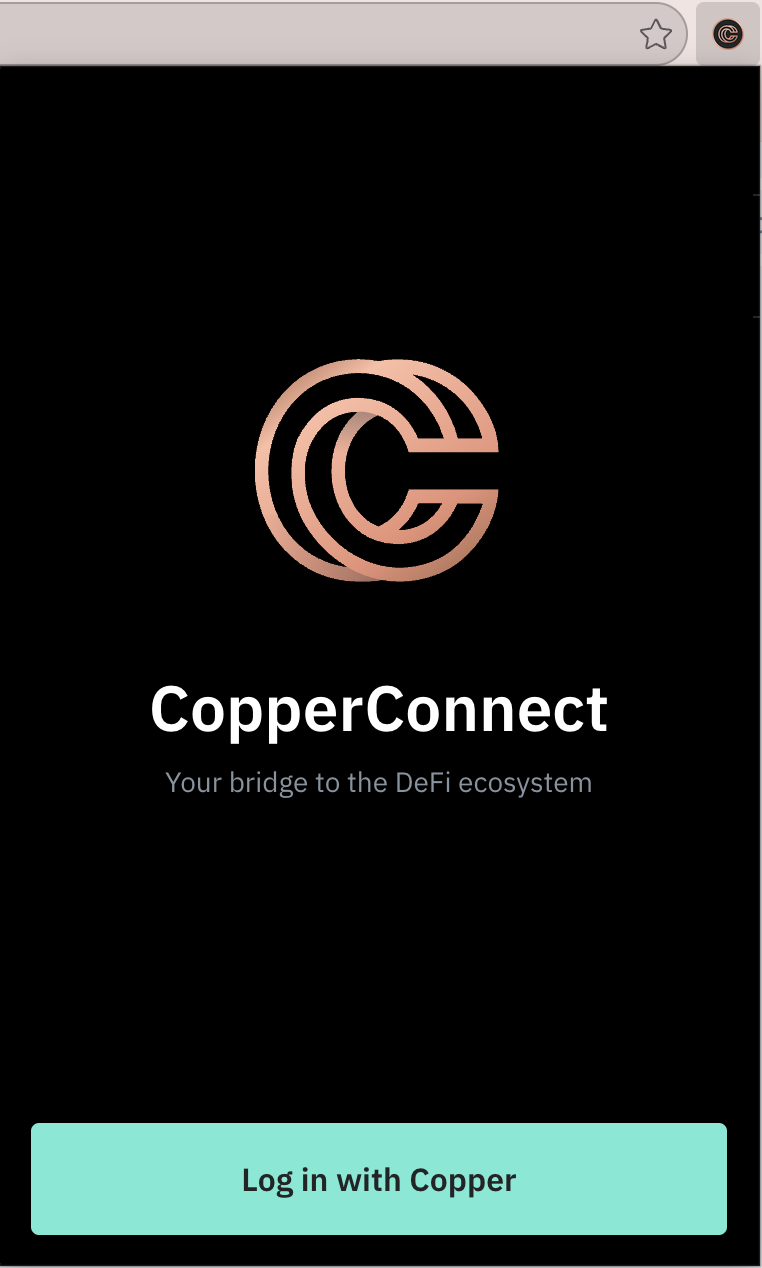
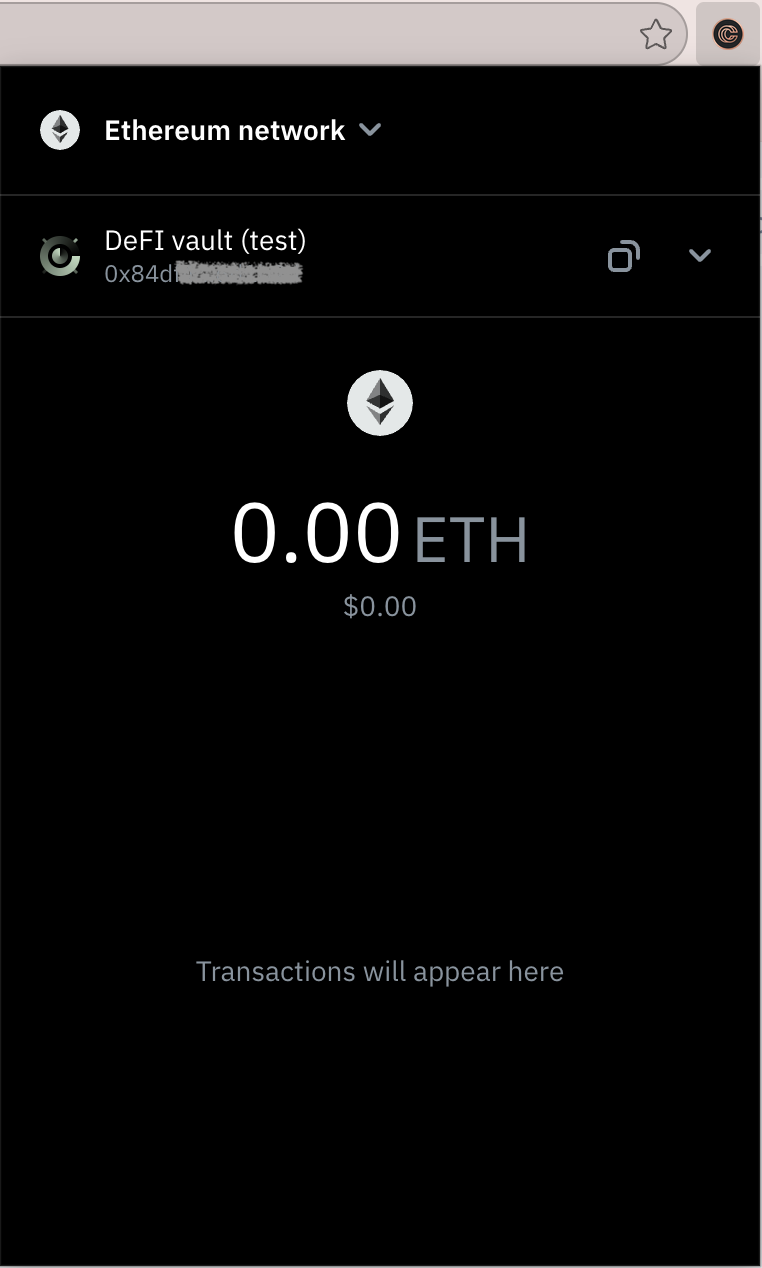
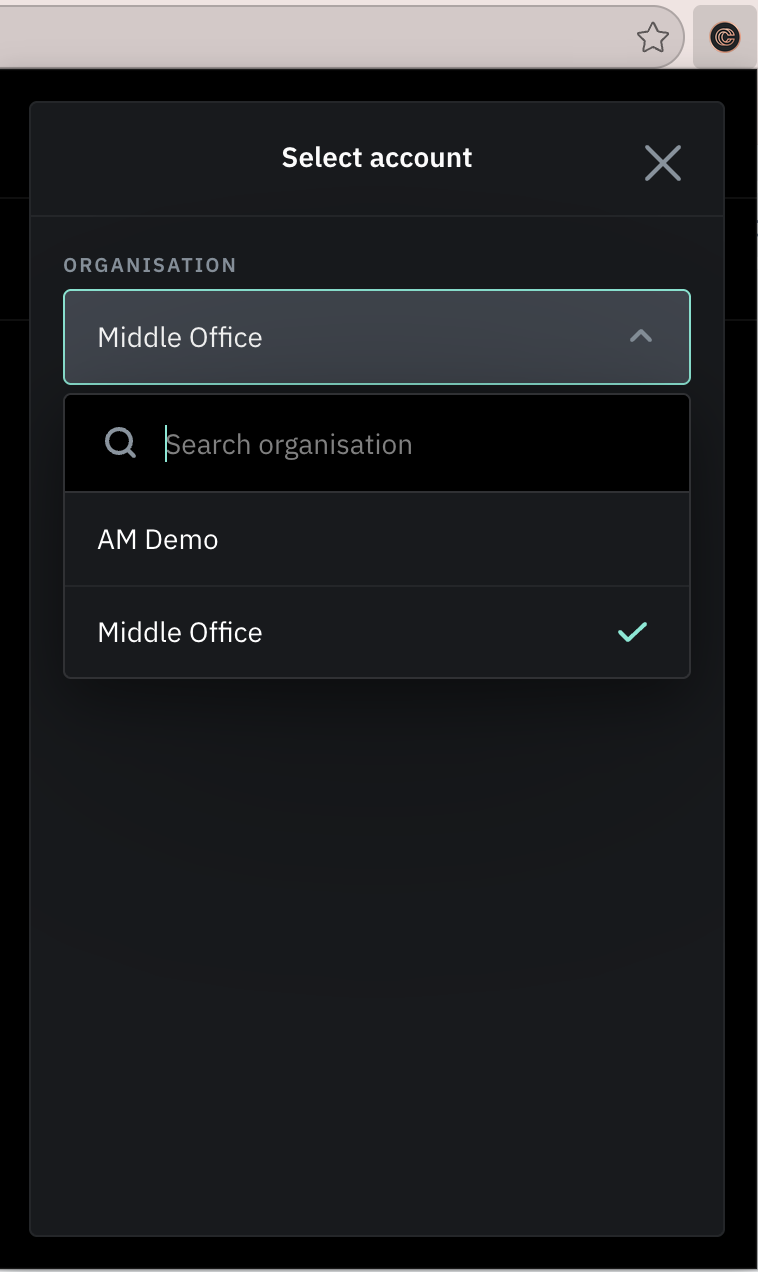
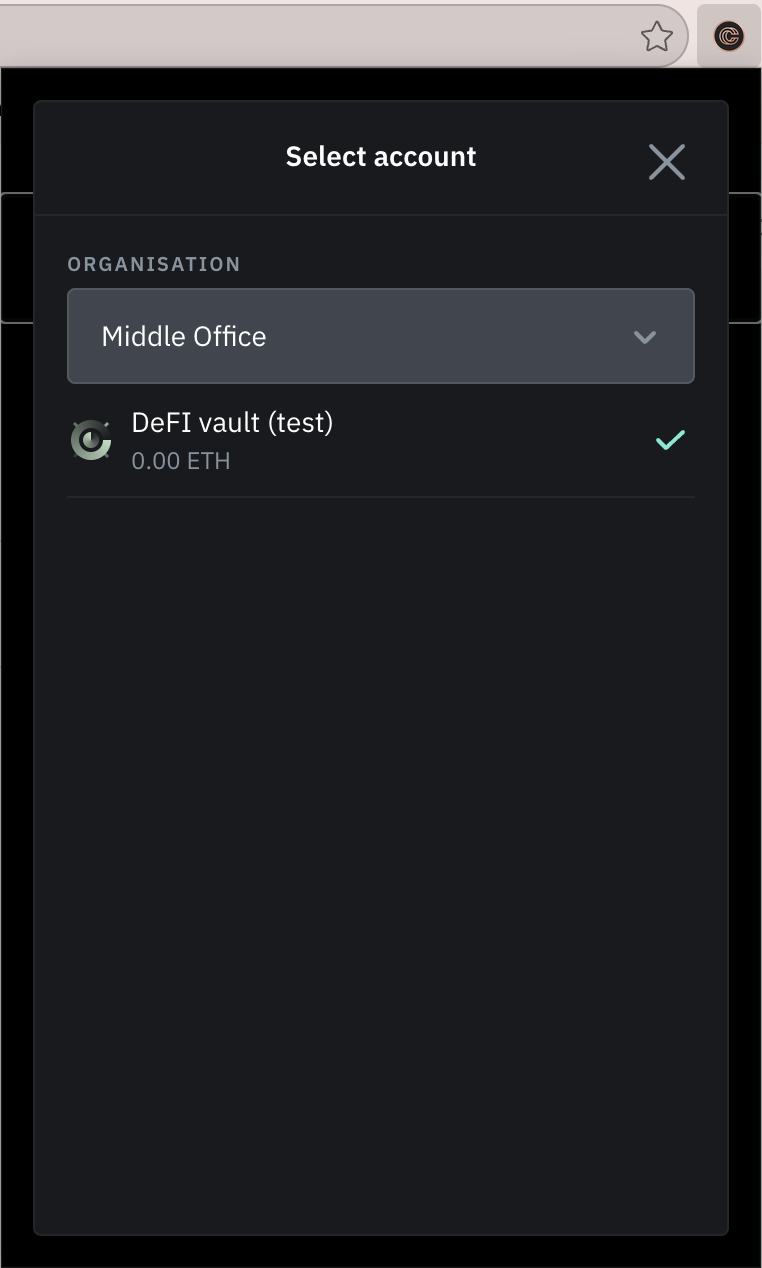
1.2. Select Organization and Account to connect:
2. In the stVaults Web UI:
2.1 Open stVaults Web UI and click "Connect wallet"
- Mainnet: https://stvaults.lido.fi/
- Hoodi testnet: https://stvaults-hoodi.testnet.fi/
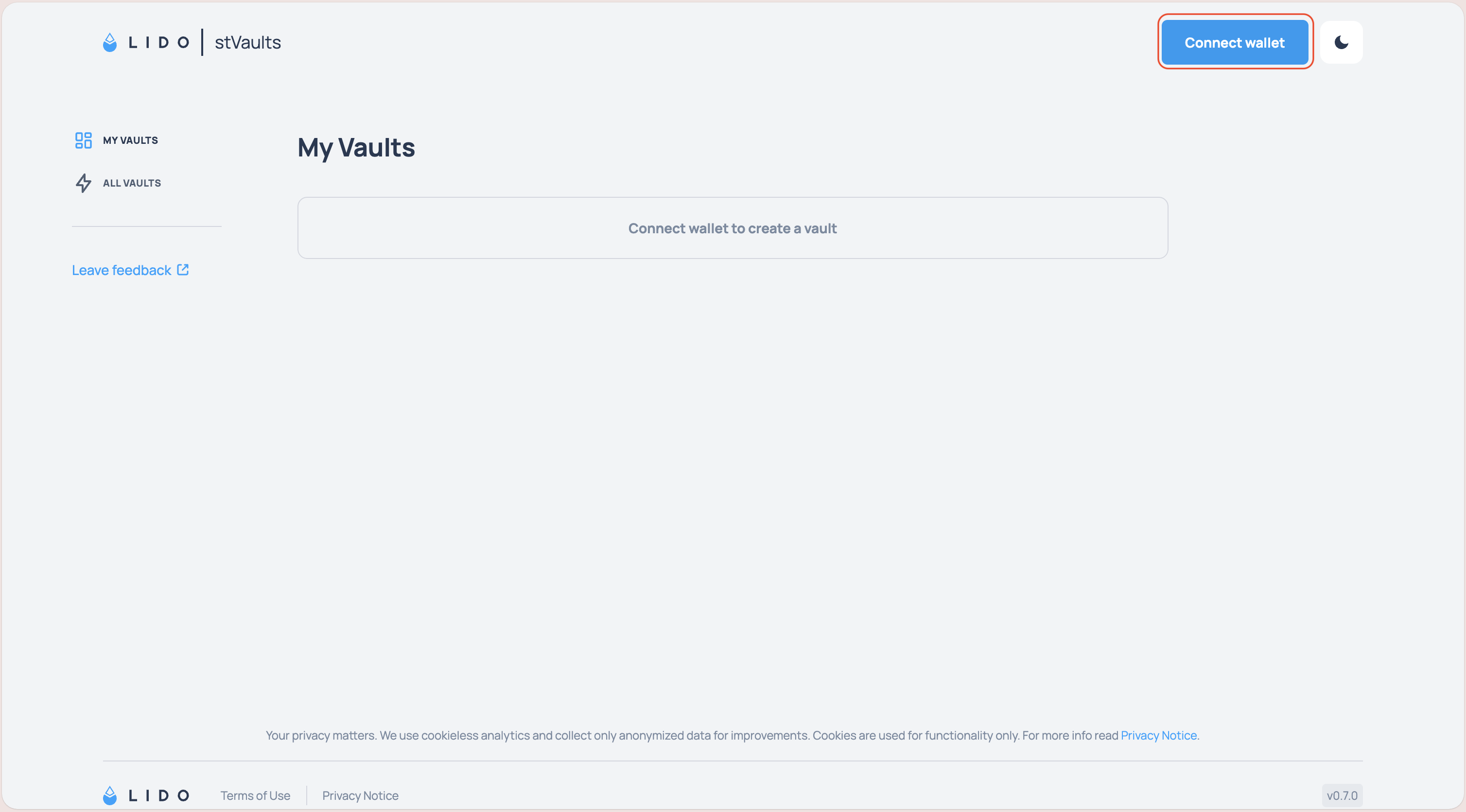
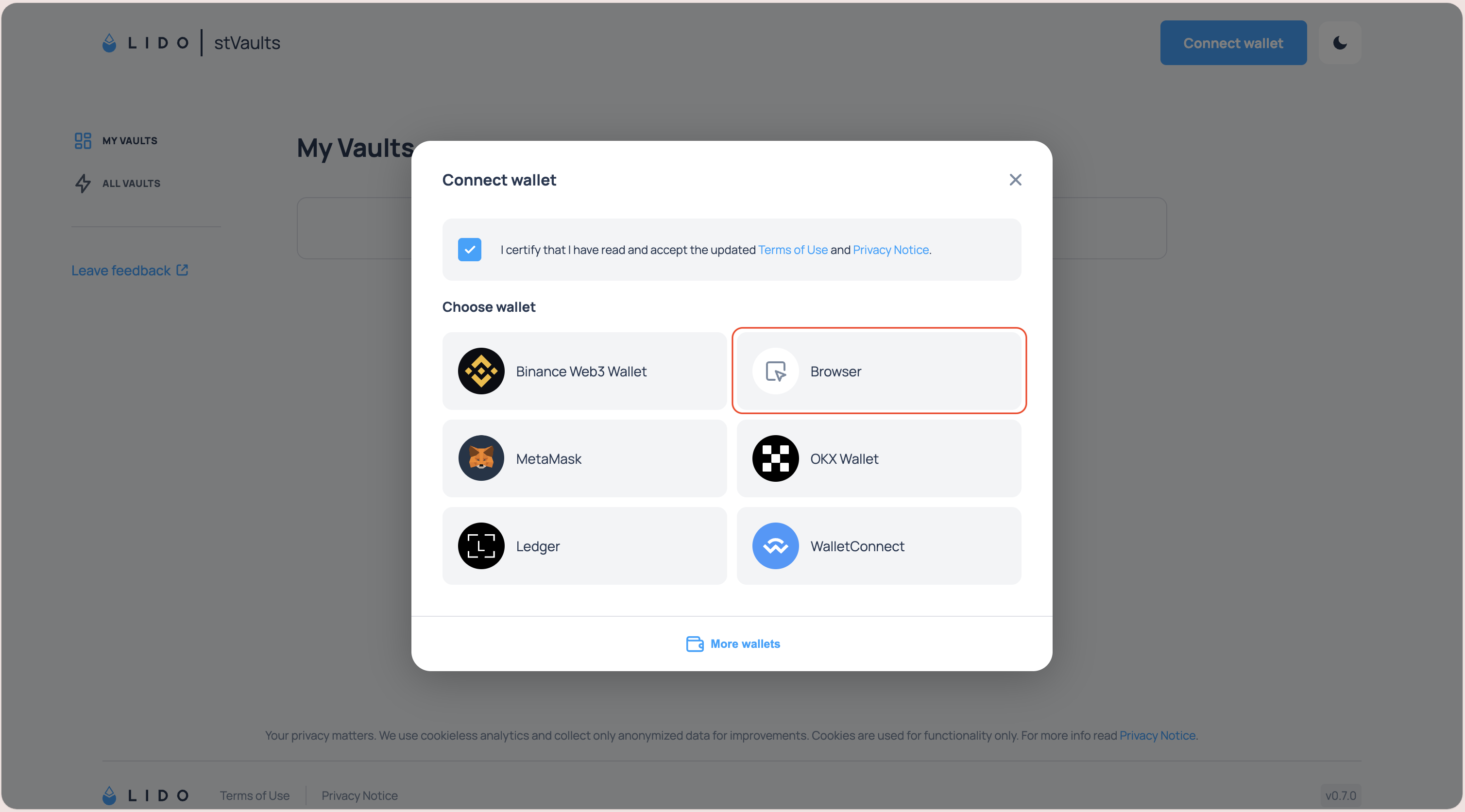
2.2. Click "Browser" button in the dialog window.
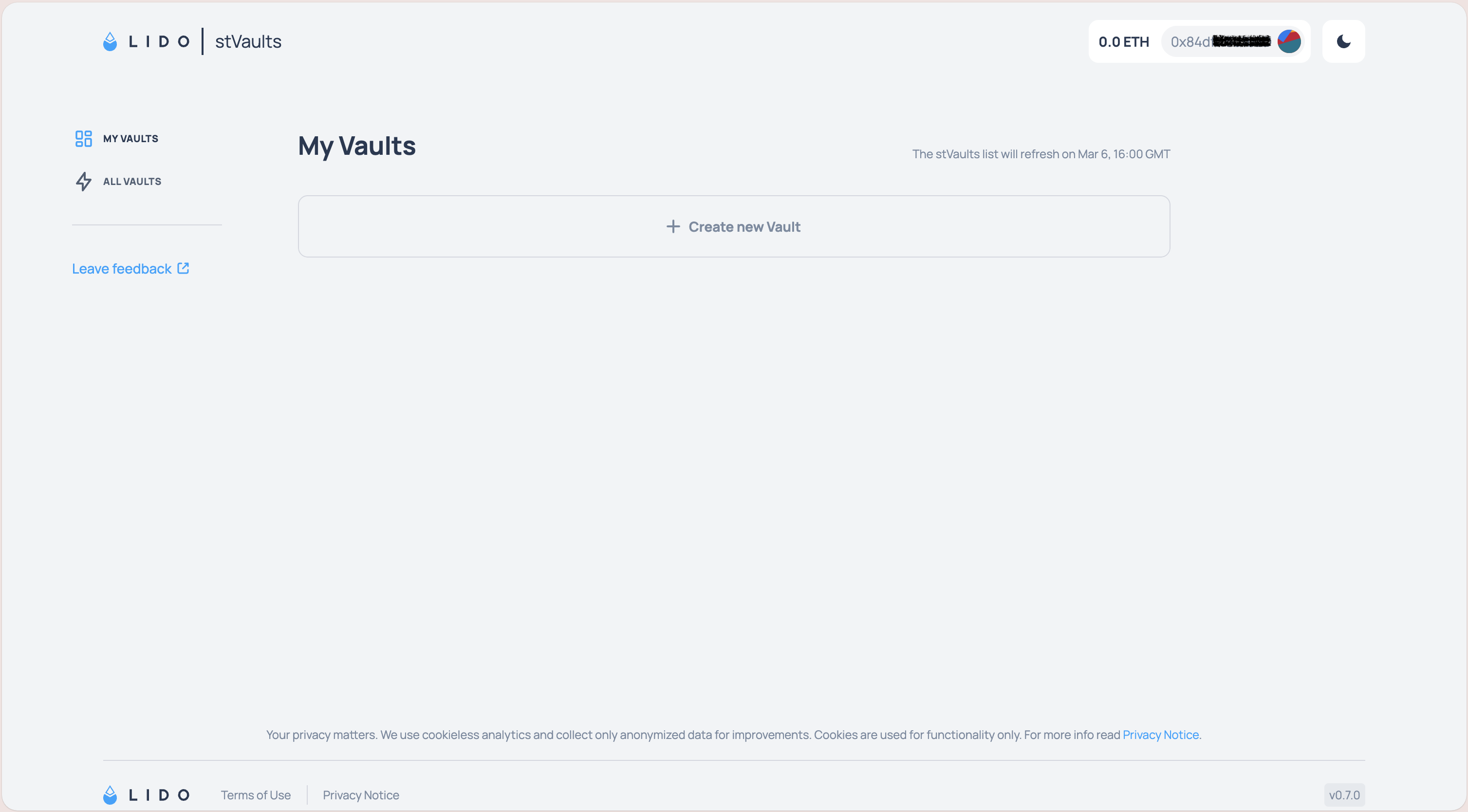
2.3. Connection established.
Your CopperConnect wallet address will now appear as connected, and you can create and manage stVaults.
Whitelisting smart contract addresses
To use the stVaults infrastructure, the stVaults smart contracts must be whitelisted for interaction. Please ask your administrator to add the required stVaults contract addresses to the whitelist.
You can find the addresses required for whitelisting in the Custodians overview list.